Domain Expert
Experimental
Experimental operation
Operate supported workflows safely
Move from controlled driving and maps to locations, missions, no-code programs, demonstrations and daily monitoring.
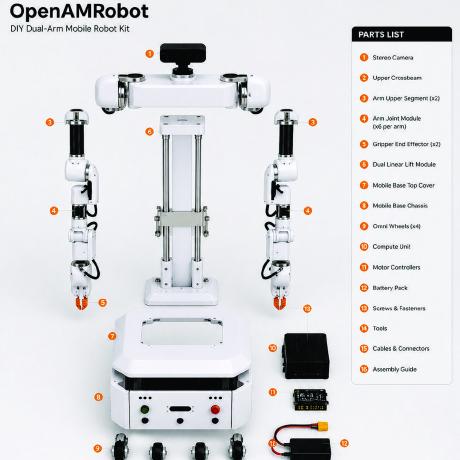
Operating areas
| Area | Use it to | Continue with |
|---|---|---|
| Driving | Establish manual control and safe stop behaviour | Driving |
| Mapping | Create and maintain the robot's spatial reference | Mapping your space |
| Locations | Name reusable destinations and poses | Locations and poses |
| Missions | Combine supported steps with failure policies and run history | Missions |
| Blockly | Build bounded workflows without writing ROS 2 code | Programming without code |
| Demonstration | Capture, review and evaluate task demonstrations | Teaching by demonstration |
| Monitoring | Read robot state, logs and events during daily operation | Monitoring |
Inspect→Start→Run→Monitor→Recover or stop→Record
The browser interface lives in openamrobot-ui. ROS 2 navigation and docking behaviour lives in openamr-platform-sw.
Know the supported boundary
Verify release, robot profile, environment and safety assumptions before operation. A simulation result is not evidence that a physical deployment is safe or accepted.